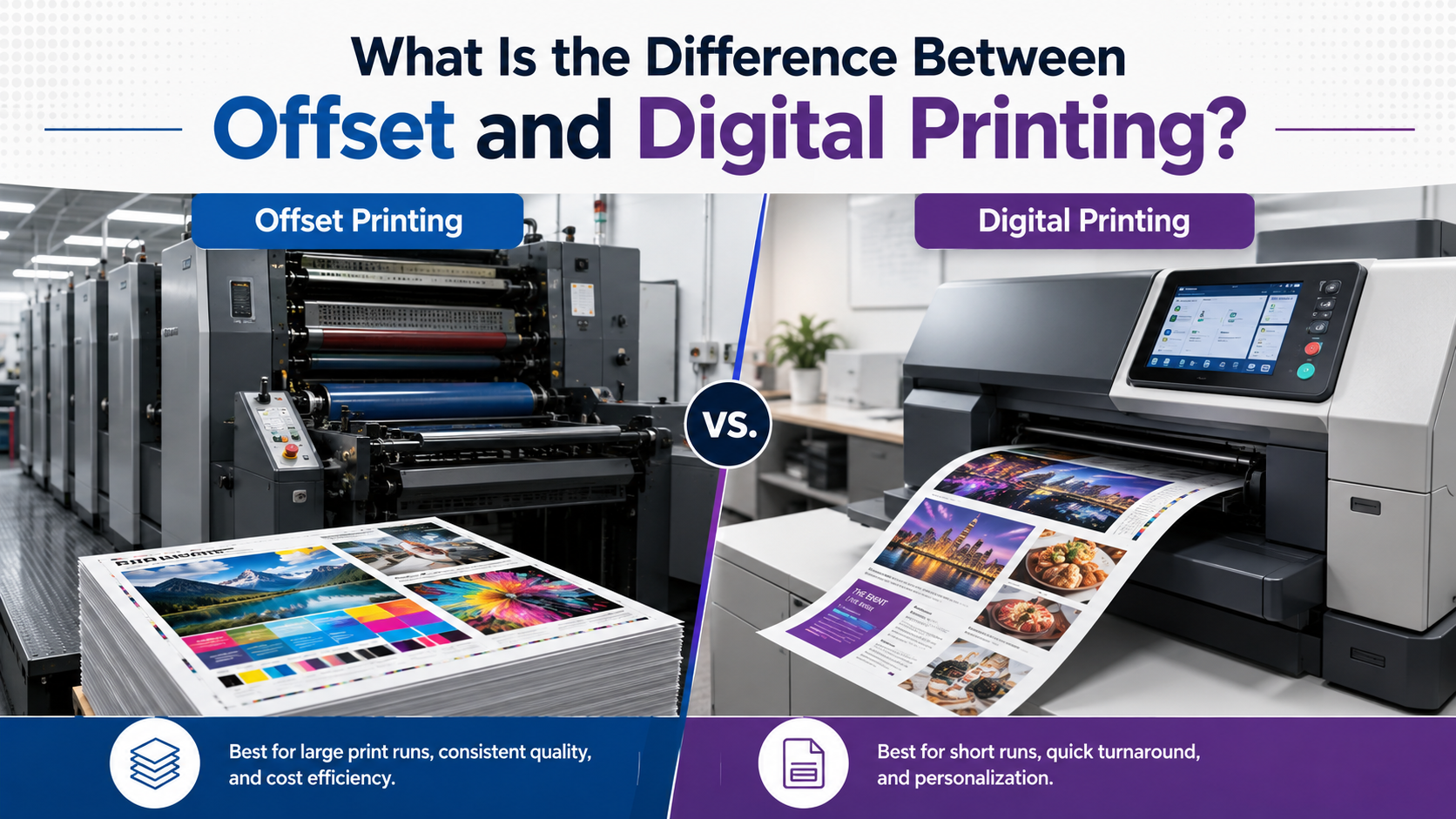
What Is the Difference Between Offset and Digital Printing?
Offset printing uses printing plates and rubber blankets to transfer ink onto substrate through lithography, whereas digital printing applies toner or ink directly from a computer file without plates. The fundamental difference between offset and digital printing lies in setup requirements and cost structure: offset printing requires plate preparation and higher setup costs but offers lower per-unit costs for high volume printing, while digital printing eliminates setup costs entirely, making it cost-effective for small quantity printing. According to printing industry standards, the break-even point typically occurs between 500-2,000 units, depending on project specifications.
What Is the Difference Between Offset and Digital Printing?

The primary distinction between these commercial printing techniques involves the ink transfer process and print production workflow. Offset printing, also known as offset lithography, uses metal printing plates that transfer images to a rubber blanket before pressing onto paper stock or other substrates. This traditional printing method requires prepress plate preparation, making it ideal for production printing and mass printing applications.
Digital print technology, in contrast, uses laser or inkjet systems similar to desktop printers but scaled for commercial print applications. HP Indigo, Xerox, Canon, and Konica Minolta manufacture digital printing equipment that prints directly from digital files, enabling instant printing and variable printing data capabilities. This modern printing technology eliminates conventional printing plate costs and setup time.
Offset and Digital Printing Comparison Chart

| Feature | Offset Printing | Digital Printing |
|---|---|---|
| Setup Cost | $500-$2,000+ per job | $0 (no plates required) |
| Cost Per Unit | $0.05-$0.50 (volume dependent) | $0.50-$5.00 per piece |
| Break-Even Point | 500-2,000+ units | 1-500 units |
| Printing Turnaround Time | 3-10 business days | 1-3 business days |
| Color Accuracy | Excellent (Pantone spot color) | Very Good (CMYK process color) |
| Print Resolution Quality | 2400+ DPI capability | 1200-2400 DPI typical |
| Substrate Compatibility | Extensive paper types and materials | Limited to compatible stocks |
| Variable Data | Not feasible | Fully supported |
| Best For | High volume jobs (1,000+ pieces) | Short run jobs (1-500 pieces) |
How Does Offset Printing Work Explained
Understanding offset printing press operation clarifies why this conventional printing method excels for bulk printing solutions. The process begins with prepress color separation, where graphic design files are converted into individual printing plates for each CMYK color (cyan, magenta, yellow, black) plus any spot color requirements.
During offset printing press operation on equipment from manufacturers like Heidelberg or Komori, ink transfers from plates to a rubber blanket cylinder, then onto the substrate. This indirect transfer—the “offset” in offset lithography—prevents plate wear and ensures consistent image reproduction across thousands or millions of impressions. The four-color process builds full-color printing through halftone dot patterns, while registration systems maintain precise alignment with tolerances under 0.1mm.
The ink drying process in traditional offset uses oxidation or absorption, though UV coating systems provide instant curing for specific applications. Commercial offset presses achieve printing production speed of 15,000-18,000 sheets per hour on high-end equipment, making mass printing economically viable.
How Digital Printing Works Explained
Digital printing press operation eliminates the printing plate preparation phase entirely, working directly from electronic files through a digital workflow. Toner-based systems (electrophotography) fuse polymer particles to paper using heat and pressure, while inkjet digital presses spray microscopic droplets directly onto substrates.
HP Indigo technology uses liquid electrophotographic ink that behaves similarly to traditional offset ink, providing superior color reproduction methods compared to standard toner systems. These modern digital press systems integrate color management and ICC profile calibration automatically, ensuring color consistency printing across the entire print run quantity without manual adjustments.
Variable data printing digital capabilities represent a significant advantage: each printed piece can display unique text, images, or personalization options without additional setup. This print customization proves essential for direct mail campaigns, promotional printing, and marketing print applications requiring individualized content.
Offset vs Digital Printing Cost Comparison
The cost difference between offset and digital printing follows a predictable pattern based on print run volume. Offset printing requires setup costs ranging from $500-$2,000 for plate creation, printing press setup, and registration adjustments. However, once configured, the per-unit printing cost drops to $0.05-$0.50 depending on complexity and paper stock selection.
Digital printing eliminates setup fees entirely, starting at $0.50-$5.00 per unit depending on size, color requirements, and substrate type. For a 1,000-piece brochure printing project on standard paper stock, offset printing typically costs $700-$1,200 total ($0.70-$1.20 per piece), while digital printing ranges from $800-$2,000 ($0.80-$2.00 per piece).
The break-even point for offset vs digital printing occurs where total costs intersect, typically between 500-2,000 units for most commercial print applications. Projects requiring more than 2,000 pieces almost always favor offset printing for high volume jobs, while quantities under 500 benefit from digital printing for short run jobs. This printing cost analysis should include binding, finishing, and coating options, as postpress services add similar costs regardless of printing method.
Quality Difference Between Offset and Digital Printing
Print quality differences manifest in resolution, color gamut, and consistency across large production runs. Offset printing delivers exceptional image quality with effective resolution exceeding 2400 DPI through fine halftone screens (175-300 lines per inch). The dot gain characteristic of offset printing on coated stock remains predictable and controllable, enabling precise color reproduction.
Offset printing color accuracy excels for brand-critical applications, offering Pantone matching offset capabilities with custom mixed ink colors. Spot color in offset printing provides exact color matching for corporate identities, whereas digital printing relies primarily on CMYK printing simulation of Pantone colors, achieving 85-95% accuracy for most shades.
Digital printing image quality has improved dramatically, with modern equipment reaching 1200-2400 DPI resolution quality. However, digital presses using process color can struggle with specific Pantone shades, metallic colors, and exact brand color matching. For most professional printing applications, the quality difference remains imperceptible to general audiences, though designers and brand managers may detect variations.
Substrate Options: Paper Types and Material Compatibility
Offset printing substrate options encompass virtually any paper stock from 20 lb. bond to 300 lb. cover, plus specialty materials including metallic sheets, textured surfaces, and synthetic substrates. The printing press can handle printing material compatibility ranging from newsprint to premium coated stocks, with adjustments for ink viscosity and pressure settings.
Digital printing substrate compatibility remains more restricted, as toner fusion requires heat-compatible materials. Paper options for digital printing typically range from 60 lb. text to 130 lb. cover on most equipment, though specialized digital presses expand this range. Coated stocks perform well on HP Indigo systems, while heavy textured sheets may cause feeding issues on standard digital equipment.
Printing Finish Options and Coating Comparison
Both offset and digital prints support lamination, varnish application, and specialized coating options during postpress finishing processes. UV coating provides scratch-resistant protection and enhances colors on both printing methods, though inline UV coating during offset printing press operation costs less than offline application after digital printing.
Aqueous coating offers environmentally friendly protection with lower gloss levels compared to UV coating, suitable for magazine printing, catalog printing, and publication printing. Spot varnish highlights specific design elements on offset prints more economically than digital, as varnish applies through an additional plate during the same press run.
When to Use Offset Printing vs Digital Printing: Use-Case Scenarios
Scenario 1: Business Card Printing
For offset vs digital printing for business cards, digital printing wins for quantities under 1,000 cards due to quick printing turnaround (1-2 days) and zero setup costs. However, ordering 5,000+ cards through offset printing reduces cost per unit to $0.03-$0.08 per card versus $0.15-$0.30 digital, justifying the 5-7 day printing turnaround time for budget-conscious businesses.
Scenario 2: Book Printing and Catalog Production
Offset vs digital printing for books and offset vs digital printing for catalogs depends entirely on print run quantity. Self-publishing authors printing 100-500 copies benefit from digital printing for short runs with print-on-demand capabilities. Publishers ordering 3,000+ copies for book printing or catalog printing achieve 40-60% cost savings through offset printing for high volume jobs, especially for 100+ page publications.
Scenario 3: Packaging Printing and Label Production
Offset vs digital printing for packaging favors offset for established products with consistent demand exceeding 10,000 units. Box printing, carton printing, and wrapper printing require the substrate compatibility and color consistency printing that traditional offset provides. Label printing and sticker printing benefit from digital when producing multiple SKU variations with variable data printing digital capabilities.
Scenario 4: Marketing Materials and Promotional Printing
Offset vs digital printing for brochures and flyer printing follows the standard volume threshold: under 500 pieces select digital, over 2,000 choose offset. Poster printing and banner printing often require wide-format digital equipment regardless of quantity. Signage printing and advertising print increasingly rely on digital print technology for rapid printing turnaround time and variable printing data insertion.
Summary Decision Framework: Choose the Right Printing Method
Choose offset printing if:
- Print run quantity exceeds 2,000 units
- Exact Pantone color matching is mandatory
- Project allows 5-10 business day turnaround
- Per-unit cost minimization is the priority
- Using specialty substrates or heavy paper stock
- Requiring custom spot colors or metallic inks
Choose digital printing if:
- Print quantity is under 500 units
- Turnaround required in 1-3 business days
- Each piece requires variable data or personalization
- Testing designs before committing to large print runs
- Budget cannot accommodate $500+ setup costs
- Print job preparation time is limited
For comprehensive guidance on selecting between these commercial printing techniques, consult print shop services specialists or review detailed offset vs digital printing comparison resources that account for your specific project requirements, printing specifications, and business objectives.
Frequently Asked Questions About Offset and Digital Printing Differences
Which Is Better: Offset or Digital Printing?
Neither method is universally superior—the best printing method for small quantities is digital, while the best printing method for large quantities is offset. Projects requiring fewer than 500 pieces favor digital printing cost-effectiveness, while volumes exceeding 2,000 units make offset printing more economical due to lower cost per unit despite higher setup costs.
What Are the Advantages of Offset Printing Over Digital?
Advantages of offset printing over digital include superior color accuracy with Pantone spot color matching, lower per-unit costs for bulk printing solutions, broader substrate compatibility, higher effective resolution quality (2400+ DPI), and better color consistency across print runs exceeding 10,000 pieces. Offset lithography also produces sharper text reproduction and more vibrant solid color areas.
What Are the Advantages of Digital Printing Over Offset?
Advantages of digital printing over offset include zero setup costs, faster printing turnaround time (1-3 days versus 5-10 days), variable data printing capabilities, cost-effectiveness for small quantity printing (under 500 units), no minimum order quantities, easier file preparation printing processes, and reduced printing waste. Digital workflow eliminates printing plate preparation entirely.
Can Digital Printing Match Offset Quality?
Modern digital printing technology from manufacturers like HP Indigo, Xerox, and Canon achieves image quality comparable to offset for most commercial printing applications. However, offset printing maintains advantages in exact Pantone color matching (within 95-98% accuracy versus 85-95% for digital), ultra-fine halftone reproduction, and consistency across massive print runs. For general document printing and most marketing materials, quality differences prove negligible.
How Do I Calculate the Break-Even Point for Offset vs Digital Printing?
Calculate the break-even point by comparing total costs: (Offset setup cost + [quantity × offset per-unit cost]) versus (quantity × digital per-unit cost). For example, if offset requires $1,000 setup plus $0.40 per piece, and digital costs $1.20 per piece with no setup, the break-even occurs at 1,250 units where both methods cost $1,500 total. Request quotes from commercial printers to determine precise thresholds for your specific printing job preparation.